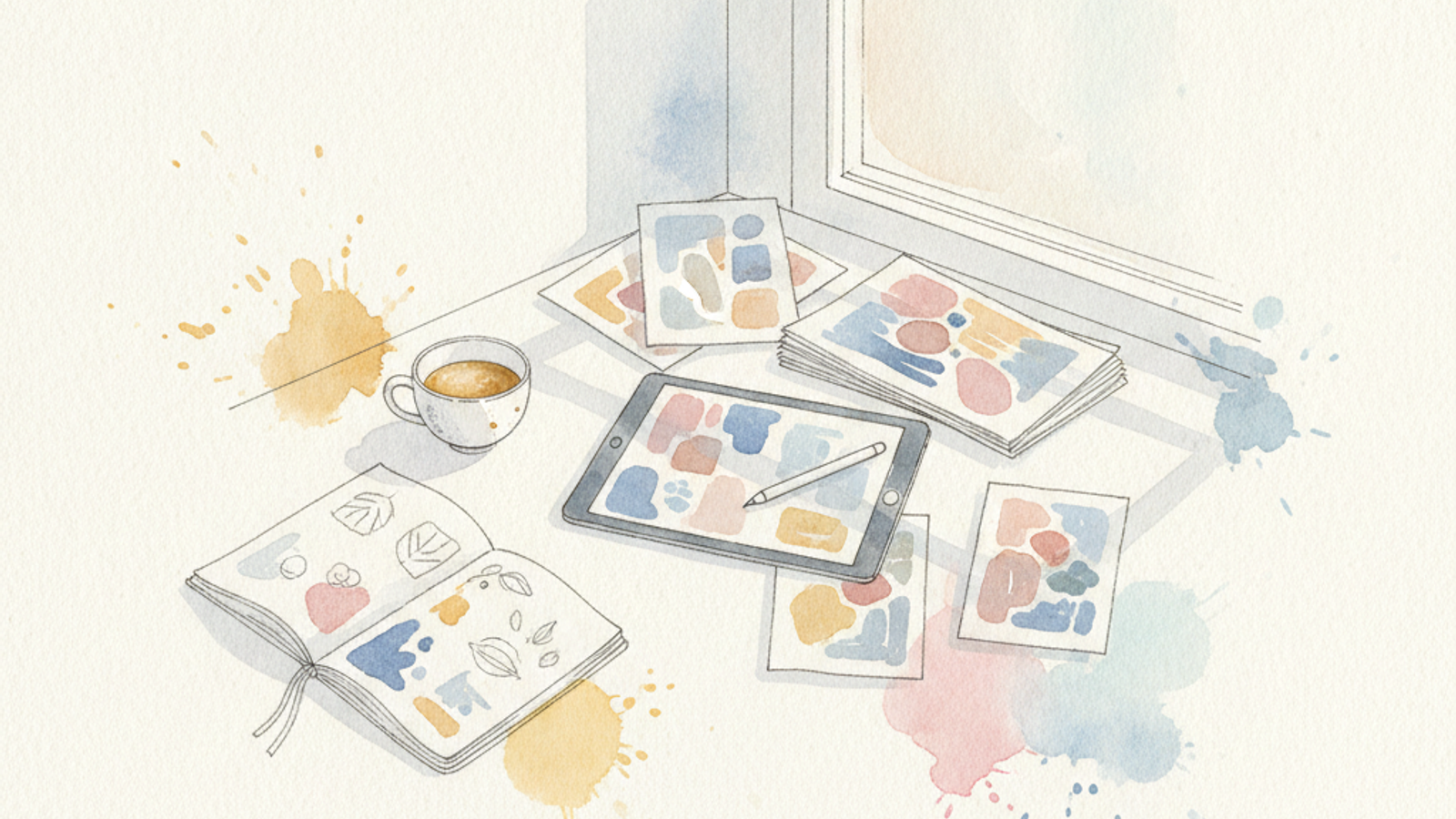
Why Digital Downloads are Your Next Income Stream
As an independent artist in 2026, relying solely on physical sales or commissions can be exhausting and unpredictable. Digital downloads offer a compelling solution: passive income. Once you create a digital product and list it, it can be sold an infinite number of times without requiring additional production, shipping, or material costs. This frees up your time, diversifies your revenue, and expands your reach globally.
Imagine selling a custom brush pack to 50 graphic designers while you sleep, or a printable art piece to 20 interior decorators across different time zones. The upfront effort pays dividends repeatedly. This guide will walk you through turning your existing artistic skills into marketable digital products that generate consistent, hands-off income.
What Kinds of Digital Art Products Sell Best?
The market for digital art is vast. Your existing art can be repurposed, or you can create new works specifically for digital consumption. Here are some of the most popular and profitable categories:
- Printable Art & Wall Décor: High-resolution digital files (JPG, PNG, PDF at 300 DPI) that customers can download and print at home or via a local service. Offer common sizes like 8x10, 11x14, 16x20 inches, or A4, A3. These typically sell for $5-$18 per design.
- Digital Planners & Journal Pages: Calendar layouts, daily planners, bullet journal templates, habit trackers. Often PDF files, sometimes bundled with matching stickers. Price range: $7-$25 for a comprehensive set.
- Brushes & Tools for Digital Artists: If you use Procreate, Photoshop, Clip Studio Paint, or other software, package your custom brushes, palettes, or textures. These are highly sought after. A pack of 10-20 brushes can command $15-$45.
- Stock Photos/Illustrations/Patterns: License your unique patterns, design elements, or high-quality stock photography. Single items can be $3-$10, while bundles fetch $20-$50.
- Social Media Templates & Wallpapers: Instagram highlight covers, story templates, desktop/phone wallpapers. These are typically lower priced but high volume. Expect $2-$8 per item or small pack.
Pro Tip: Look at your existing portfolio. Can your painting of a serene landscape be offered as a printable? Can your unique floral patterns be packaged as a brush set for Procreate? Repurposing is key to efficiency.
Creating and Preparing Your Digital Products
Quality is paramount for digital goods. Your customers are paying for convenience and high fidelity. Here’s how to prepare your files:
- Resolution and File Size: For printables, aim for at least 300 DPI (dots per inch) for crisp prints. Export files at large dimensions (e.g., 6000x8000 pixels or larger) to allow for versatility in printing different sizes. For screen-based products like wallpapers, 72-150 DPI is usually sufficient, but ensure dimensions are appropriate for common device screens (e.g., 1920x1080 for desktop, 1440x3040 for mobile).
- File Formats: Common formats include JPEG (for photos/illustrations with smooth gradients), PNG (for transparent backgrounds or sharp lines), and PDF (ideal for printables, documents, and multi-page items). For brushes, use their native file types (e.g., .ABR for Photoshop, .BRUSHSET for Procreate).
- Organization: Bundle multiple files into a ZIP folder for easy download. Clear naming conventions for your files and folders are crucial for both you and your customers.
- Mock-ups: High-quality mock-ups are essential for displaying digital products. Use tools like Placeit or Smartmockups to show your art in context (e.g., framed on a wall, a planner open on a desk). This helps customers visualize the value.
Choosing the Right Selling Platform
Where you sell your digital downloads significantly impacts your reach, fees, and administrative burden. Here are leading platforms:
- Etsy: Best for: Printables, digital planners, craft patterns, social media templates. Pros: Massive existing audience actively searching for unique digital goods; easy setup. Cons: High competition; fees can add up (listing fee ~$0.20 per item, transaction fee ~6.5% + payment processing fees).
- Gumroad: Best for: Brushes, tutorials, digital art files, eBooks. Pros: Very artist-friendly; minimal setup; highly customizable storefront; flexible pricing (pay-what-you-want). Cons: You’re responsible for driving most of your own traffic. Fees: 10% on transactions for new accounts, scaling down to 3% at higher sales volumes.
- Creative Market / Design Cuts: Best for: Professional designers selling fonts, templates, brushes, patterns, and stock assets. Pros: Curated marketplace with high-quality standards; good exposure to design professionals. Cons: Application process can be competitive; revenue split (e.g., 50% for Creative Market for non-exclusive, up to 70% for exclusive contributors).
- Your Own Website (e.g., Shopify + Digital Downloads App): Best for: Artists wanting full control, branding, and scalability. Pros: Zero transaction fees (beyond payment processor); complete branding control; ability to integrate with email marketing. Cons: Requires more technical setup and traffic generation on your part; monthly Shopify plans start around $29/month.
Consider starting with Etsy or Gumroad to test the waters, then expanding to your own website as your sales grow.
Pricing Your Digital Downloads Strategically
Pricing digital products differs from physical art because the perceived value isn't tied to materials. Focus on the value to the customer and market benchmarks:
- Research Competitors: Browse similar products on your chosen platforms. What are top sellers charging? Aim for a competitive price point, but don't undervalue your work.
- Tiered Pricing/Bundles: Offer a single print for $7, or a bundle of three coordinating prints for $18. A basic brush set for $15, and a pro pack for $35. Bundles increase average order value and perceived value.
- Psychological Pricing: Prices ending in .99 or .95 often perform better (e.g., $9.99 instead of $10.00).
- Consider Usage: If you're offering commercial licenses (e.g., for graphic assets), these should be priced significantly higher than personal use licenses. Personal use printables might be $5-$15, while a commercial license for a pattern could be $50-$200+ depending on usage terms.
Marketing Your Digital Art Downloads
Even the best digital product won't sell if no one knows about it. Effective marketing is crucial:
- SEO (Search Engine Optimization): Use relevant keywords in your product titles, descriptions, and tags. If selling on Etsy, utilize their specific keyword tools. For your own site, use tools like Semrush or Ahrefs for long-tail keywords (e.g., "minimalist abstract printable art" rather than just "abstract art").
- Social Media: Pinterest is a powerhouse for visual products like printables and planners. Create appealing pins linking directly to your product. Instagram (Reels, Stories) and TikTok are excellent for demonstrating brush sets, showing product mockups, or sharing behind-the-scenes glimpses of your creative process.
- Email List: Offer a free digital download (e.g., a small set of brushes, a sample printable) in exchange for email sign-ups. This builds an audience you can directly market new products to. Email marketing has an average ROI of 4200%, making it incredibly effective.
- Collaborations & Partnerships: Partner with influencers in relevant niches (e.g., bullet journalers for planners, graphic designers for brushes) for reviews or joint promotions.
Remember to link back to your OnlineGallery.com profile from your product pages and social media. Even if you're selling digital goods elsewhere, your main gallery page provides a professional home for your entire portfolio, enhancing your credibility and showcasing your overall brand.
Understanding Licensing and Terms of Use
Clearly defining how customers can use your digital products is critical. Always include a "Terms of Use" or "Licensing Information" file with every download. Key points to cover:
- Personal Use Only: Most printable art is sold for personal use, meaning customers can print it for their home but cannot resell or use it for commercial projects.
- Limited Commercial Use: Allows use in a small business for certain purposes (e.g., using a pattern for social media graphics, but not on products for sale). Specify limitations clearly (e.g., maximum number of copies, no reselling as-is).
- Extended Commercial Use: Broader rights, often for larger businesses or extensive product creation. This license type should be priced accordingly. Generally, avoid offering exclusive commercial licenses unless you're selling custom work directly.
Always state that the copyright remains with you, the artist, regardless of the license purchased. This protects your intellectual property.
Scaling and Long-Term Strategy
Once you have a few products live, don't stop there. Analyze your sales data: which products are performing best? What keywords are customers using to find you? Use this information to inform new product ideas.
Consider creating complimentary products or expanding popular lines. For example, if a floral printable is a hit, create a matching set of digital planner stickers or phone wallpapers. Continuously refresh your offerings and leverage trends while staying true to your artistic style. The beauty of digital products is the low overhead to experiment and iterate.
Show Your Work to the World
A professional online gallery is the first thing buyers and licensing partners want to see. Build yours on OnlineGallery — free, no commission.
Create Your Gallery Free