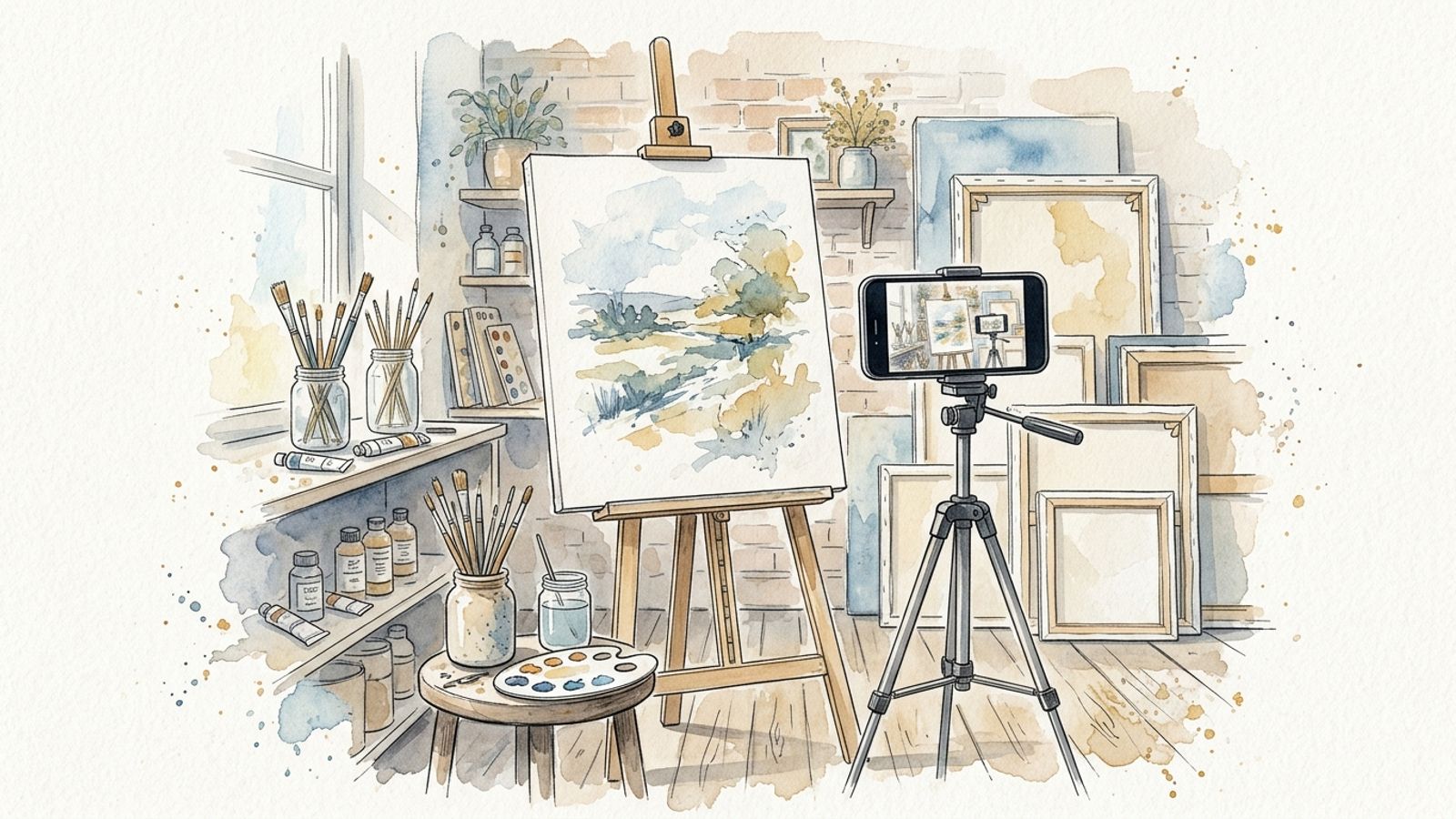
Video is now the dominant language of discovery on every platform where art audiences spend time. Instagram Reels, YouTube Shorts, TikTok, and Pinterest Idea Pins all heavily favor video content in their algorithms — and they reward artists who show the work being made, not just the finished result. A thirty-second clip of paint being applied to canvas can reach ten times the audience of a static photograph of the completed piece.
This guide covers every category of video content that works for artists: the formats, the equipment, the production techniques, the platform strategies, and the specific types of clips that drive engagement, build audiences, and convert viewers into collectors.
Why Video Works Differently for Artists
The art world has an inherent advantage in video that many artists fail to exploit: the process is compelling. People are genuinely fascinated by how art is made. The hand that moves the brush, the moment a composition clicks into place, the transformation of a blank surface into something alive — these are naturally cinematic. You do not need a story arc or a dramatic script. The work provides the drama.
This means that video content for artists does not require the performance anxiety that stops most people from starting. You are not the subject. The work is. The camera is a window into the studio, not a spotlight on the artist.
Your Equipment Setup: Start Simple, Upgrade Deliberately
The Minimum Viable Studio Setup
You can produce professional-quality video content for every major platform using only a modern smartphone. The cameras on recent iPhone and Android flagships outperform many dedicated video cameras from five years ago. Before spending money on gear, spend time learning what your phone can do.
Essential accessories for a smartphone setup:
- A phone tripod with a flexible or adjustable arm: for overhead shots of your canvas, stable wide shots, and hands-free recording. Budget: $20–60.
- A clip-on lavalier microphone: built-in phone microphones pick up room noise and distance poorly. A wired lav mic (TRS to lightning/USB-C) costs $20–40 and dramatically improves audio quality for any spoken content.
- Continuous LED lighting panel: natural light is ideal but inconsistent. A single dimmable LED panel with adjustable color temperature gives you consistent light that does not shift between takes. Budget: $40–120.
- A second angle: even a cheap action camera or old phone mounted at a second angle — overhead plus front-facing, for example — gives you edit options and makes the final video feel professional.
Upgrading for Dedicated Video
When video becomes a regular part of your practice, a dedicated camera pays off. The Sony ZV-E10, Fujifilm X-S10, or Canon EOS M50 Mark II are compact mirrorless cameras popular with artists and makers for their excellent video quality, good autofocus, and ability to mount different lenses. For overhead shots of a horizontal work surface, a dedicated overhead camera arm mount will save significant time in setup and teardown.
Audio Is More Important Than You Think
Viewers will tolerate mediocre video quality. They will not tolerate bad audio. If you speak in your videos — narrating your process, sharing thoughts about the work, addressing the camera — invest in audio before you invest in camera upgrades. A $100 microphone improvement will have more impact on viewer retention than a $500 camera upgrade.
The Six Video Formats That Work for Artists
1. The Process Video (Time-lapse or Real-time)
The process video is the foundation of artist content. Record yourself working — from blank surface to finished piece — and either speed it up as a time-lapse or present key moments in real time. Process videos are universally appealing because they answer the question every viewer has: how did you do that?
Time-lapse format: Record at normal speed and speed up in editing to show the full work in 30–90 seconds. Most editing apps offer automatic speed adjustment. Best for: Reels, Shorts, TikTok.
Real-time close-up: Record tight detail shots — brush strokes, palette knife work, pencil rendering — at normal speed with ambient sound or music. The texture and physicality of the medium is often more compelling than the finished work. Best for: IGTV, YouTube long-form.
Tip: shoot from at least two angles simultaneously if you can. An overhead angle for flat works on a table, combined with a front angle for easel work, gives you significantly more editing flexibility and visual variety.
2. Short-form Clips and Vertical Video (Reels, Shorts, TikTok)
Short-form vertical video — 9:16 aspect ratio, 15 to 90 seconds — is the primary discovery mechanism on Instagram, TikTok, and YouTube in 2024. These platforms actively push short-form content to non-followers, making them the most powerful tool for audience growth available to artists.
What works in short-form art video:
- A satisfying reveal — before and after, or the final brush stroke that completes the piece
- An unexpected technique or tool — anything that makes viewers think "I did not know you could do that"
- A mistake and the recovery — audiences connect strongly with imperfection and problem-solving
- Color mixing or material preparation — the sensory quality of wet paint, clay, or ink is hypnotic on video
- A speed painting challenge — completing a piece in a fixed time while the clock is visible
The first two seconds of a short-form video determine whether a viewer swipes away or keeps watching. Start mid-action — brush already on canvas, hands already in clay. Never open with a static title card or a slow pan across finished work. Open with motion.
3. The Exhibition and Expo Walkthrough
When your work is showing in a gallery, fair, or pop-up, video documentation serves two functions simultaneously: it creates compelling content for your audience and it creates a permanent archive of the show that you can use in grant applications, press materials, and future exhibition proposals.
Pre-show content:
- The installation process — works being unpacked, hung, lit. This behind-the-scenes content performs exceptionally well.
- A "studio to gallery" narrative — show the work leaving the studio and arriving in the exhibition space
- An artist walkthrough — you moving through the space and talking about the work, recorded as a single uncut take or lightly edited
During the show:
- Record visitor reactions if appropriate — with consent. Real responses to the work, especially from people encountering it for the first time, are powerful
- Short clips of details — lighting hitting the surface, texture, scale relative to viewers
- A one-minute "this is what you will see" preview formatted for Stories and short-form platforms
Post-show:
- The deinstallation — works coming down, the empty gallery. Strangely affecting.
- A "what sold and why" reflection — if you are comfortable discussing sales, this content builds enormous trust with collectors
4. The Making-Of Documentary
A longer-form making-of video — five to twenty minutes — traces a single significant work from concept to completion. This format is better suited to YouTube than short-form platforms, and it attracts a different, higher-intent audience: people who are already interested in your work and want to go deeper.
A good making-of structure follows the arc of the work itself: the initial concept or commission brief, research or source material, the early stages of making, the critical decisions made mid-process, the point where it almost failed, and the final resolution. This is not a tutorial — it is a narrative. The viewer follows you through the experience of making the work, not a set of instructions for replicating it.
- Keep the camera rolling even when things go wrong — the problem-solving is often the most interesting part
- Add brief spoken narration recorded in post-production rather than trying to speak while working
- Use B-roll: detail shots, material textures, reference images, the studio environment
- End with the finished work being photographed or installed — the satisfying completion
5. The Talking-Head or "Artist Perspective" Video
Direct-to-camera content — you speaking honestly about your work, your practice, your influences, or the art world — builds the kind of audience connection that process videos alone cannot. Collectors buy from artists they feel they know. A two-minute video where you talk about why you made a particular series, or what you were thinking when you started a new body of work, does more for collector relationships than any number of product-style posts.
You do not need to be naturally charismatic on camera. You need to be honest and specific. Avoid generalities about "expressing yourself through art." Talk about the specific decision you made on a specific piece, the specific thing you saw that led to a new direction, the specific feeling of finishing something you were not sure would work.
Set up: a clean but characterful background (a corner of your studio works perfectly), good natural or LED light falling on your face from the front, and your clip-on microphone. Record three takes. Use the second or third — you will be looser.
6. Educational and Tutorial Content
Teaching your medium — even at a basic level — is one of the most reliable ways to build a large audience quickly. Tutorial content ranks well in YouTube search, gets saved and shared on Pinterest, and attracts an audience that tends to be deeply engaged. Many successful artist-educators have found that teaching their craft through video significantly increased sales of their original work, because students who learn from you develop a strong affinity for your aesthetic and approach.
You do not need to give away everything. A tutorial on color mixing, stretching canvas, or understanding perspective reaches a broad audience and establishes you as a credible expert. Your original work — the finished paintings, sculptures, or prints — remains distinct from what anyone can replicate from a tutorial.
Platform Strategy: Where to Post What
Instagram Reels
Reels are Instagram's primary distribution engine in 2024. A Reel posted to an account with 500 followers can reach 50,000 people if it performs well in the first hour. Post Reels in 9:16 vertical format, 15–90 seconds. Add captions — a significant portion of viewers watch without sound. Use three to five relevant hashtags rather than twenty generic ones. Post consistently: three to four Reels per week is a realistic cadence for an artist with other work to do.
YouTube and YouTube Shorts
YouTube is where longer content lives and compounds. A making-of video or a tutorial posted to YouTube continues to receive views for years through search. Shorts (under 60 seconds, vertical) are YouTube's answer to TikTok and Reels, and they can funnel viewers to your longer content. The key difference from other platforms: YouTube rewards watch time and click-through rate from thumbnails, so invest time in creating strong thumbnail images.
TikTok
TikTok's algorithm is the most aggressive at pushing content to new audiences. Process videos, especially those with a satisfying reveal or an element of transformation, perform extremely well. TikTok trends move fast — spending time learning what formats are working on the platform each month will make a significant difference to how your content performs. The platform skews younger than Instagram but is rapidly expanding its collector and art-buyer demographics.
Pinterest is systematically underused by visual artists. Idea Pins (Pinterest's video format) appear in search results and can drive significant traffic to your website or shop. Pinterest users are often in a buying mindset — they are building boards of things they want to acquire, not just consume. A pin of your work, properly titled and described, can generate traffic for years.
Cross-Posting Efficiently
Create once, distribute everywhere. Record your content in the highest quality your setup allows, then resize and reformat for each platform. Tools like CapCut (free), Adobe Premiere Rush, or DaVinci Resolve (free desktop version) allow you to export different aspect ratios and lengths from a single edit. Removing TikTok and Instagram watermarks before cross-posting matters — both platforms suppress content that carries a competitor's watermark.
Editing: The Essentials for Artists
You do not need advanced editing skills to produce compelling video. Most artist video content benefits from minimal editing: cut out the dead time, keep the energy moving, add music.
Recommended Free and Low-Cost Tools
- CapCut (mobile and desktop, free): the most popular tool among short-form creators. Excellent auto-captions, easy speed adjustment, large sound library. Ideal for Reels and Shorts.
- DaVinci Resolve (desktop, free): professional-grade color correction and editing. Significant learning curve but unmatched quality for making-of and YouTube content.
- iMovie (Mac, free): straightforward, capable, and integrates well with the iPhone camera roll. Good starting point for longer-form content.
- Adobe Premiere Rush (subscription): designed specifically for cross-platform content creators. Easy multi-format export.
Music and Sound
Music selection is critical for process videos. The tempo of the music should match the pace of the work being shown — a quick gestural painting cut to slow ambient music feels wrong; a meditative drawing session cut to driving percussion also feels wrong. Use royalty-free music to avoid copyright strikes on YouTube and Instagram. Good sources include:
- Epidemic Sound (subscription) — highest quality, used professionally
- Artlist (subscription) — excellent for cinematic content
- YouTube Audio Library (free) — limited but reliable
- Instagram's built-in music library — only usable within Reels, not exportable
Captions
Add captions to every video intended for social media. Sixty-five to eighty percent of social media video is watched without sound. Captions also make your content accessible and improve its performance in platform search. CapCut's auto-caption feature produces accurate captions in under a minute.
Building a Consistent Video Practice
Batch Recording
The most effective approach to video content for artists who are primarily focused on their work — not on content creation — is batch recording. Set up your camera at the start of a studio session and leave it running. Review the footage at the end of the session and identify the best thirty to sixty seconds. Record a brief spoken intro or outro once a week. Edit and schedule a week's worth of content in a single afternoon.
This approach means the camera is not a disruption to your practice — it is a passive observer. Over time you will forget it is running, which produces your most natural and compelling footage.
Content Calendar for Artists
A simple weekly structure:
- Monday: Process clip from the previous week's studio session (Reel/Short)
- Wednesday: Behind-the-scenes or studio detail (Story + saved as Highlight)
- Friday: Finished work reveal or artist perspective (Reel/Short + longer YouTube cut)
This cadence — three posts per week across primary platforms — is sustainable alongside a full studio practice and gives algorithms enough regular content to build consistent reach.
Repurposing Existing Work
If you have years of studio photographs, you already have raw material for video content. A slideshow of the stages of a completed work, set to music and edited as a 30-second Reel, requires no new recording. Archive images of past exhibitions, old studio shots, and reference material can all be woven into video content that feels current.
Promoting Specific Events: Exhibitions, Art Fairs, Open Studios
Events have a natural video content arc: anticipation, during, and reflection. Structure your coverage in three phases:
Two weeks before:
- Announce the show with a teaser clip — details of the work in close-up, the invitation, a brief spoken introduction to what you will be showing
- Show the preparation — works being finished, framed, crated
- A "why this show matters to me" reflection — honest, specific, personal
During the event:
- A walkthrough of the installed show the day before opening
- Short clips from the opening reception — the work in context, the space, the atmosphere
- A mid-show check-in for people who have not visited yet
After the event:
- A recap with highlights and reflection
- Documentation of individual works while they are still installed — often your best opportunity for professional-quality video of the pieces
- A thank-you to collectors, visitors, and collaborators
Converting Viewers into Collectors
Video content builds audiences. Turning an audience into collectors requires a deliberate link between content and purchase opportunity.
- Every video description should include a direct link to your shop, website, or the specific work featured — not just your homepage
- Use the "link in bio" convention but also speak the link or mention availability directly in the video
- Create scarcity context honestly: mention edition sizes, note when works are original vs. print, indicate availability in the caption
- Respond to every comment that expresses interest in a work — treat video comments as the beginning of a collector conversation
- Use Instagram's Product Tags feature to link directly from a Reel to a product in your shop
The most effective conversion path for video-to-collector is: a viewer sees a process video, comments or DMs with interest, you respond personally, and the conversation continues. This is not a funnel — it is a relationship. Video creates the initial connection; you maintain it.
A Starter Checklist for Your First Three Videos
- Set up your phone on a tripod at the start of your next studio session and record 45 minutes of process footage
- Review the footage and identify the most visually interesting 60 seconds — a color being mixed, a key passage being painted, a reveal moment
- Speed it up to 30 seconds using CapCut, add a music track, add auto-captions
- Post as a Reel and a YouTube Short on the same day, with a caption describing what you were working on and why
- Repeat for two more sessions. After three posts, review which performed best and let that guide your next month of content
The barrier to starting is always lower than it appears. A tripod, a phone, and fifteen minutes of editing produce content that consistently outperforms polished photographs for reach and engagement. The only wrong move is waiting until you have better equipment or more time.